
If you are planning to build a website for your business, you have probably heard the term WordPress web development. WordPress is one of the most widely used website platforms, and it allows businesses, individuals, bloggers, and organizations to create websites without building everything from scratch.
But WordPress web development is more than simply installing WordPress and choosing a theme. A professional WordPress website involves planning, design, development, functionality, performance, security, mobile optimization, and search engine optimization.
In this guide, we will explain what WordPress web development means, how it works, what types of websites you can build with WordPress, its benefits, costs, SEO considerations, and how to choose the right WordPress development company.
What Is WordPress Web Development?
WordPress web development is the process of creating, customizing, improving, and maintaining websites using the WordPress content management system (CMS).
WordPress provides the basic platform, while web development turns that platform into a website that meets a specific business or personal need.
Depending on the project, WordPress development can include:
- Website planning and structure
- Theme selection and customization
- Custom website design
- Plugin installation and configuration
- Website functionality
- Mobile responsiveness
- Website speed optimization
- Security setup
- Search engine optimization
- Content management
- Testing and maintenance
A simple blog and a professional business website may both use WordPress, but their development requirements can be very different.
What Is WordPress?
WordPress is a content management system that allows users to create and manage websites through a relatively easy-to-use interface.
Instead of manually creating every page and managing every piece of code, website owners can use WordPress to publish pages, articles, images, and other content.
Its flexibility is one of the reasons WordPress is popular with businesses of different sizes.
What Does WordPress Web Development Mean?
WordPress web development means taking the WordPress platform and turning it into a functional website that matches a project’s goals.
For example, a company may need a professional service website with contact forms, service pages, a blog, SEO-friendly structure, and mobile-friendly design. A developer can configure and customize WordPress to provide those features.
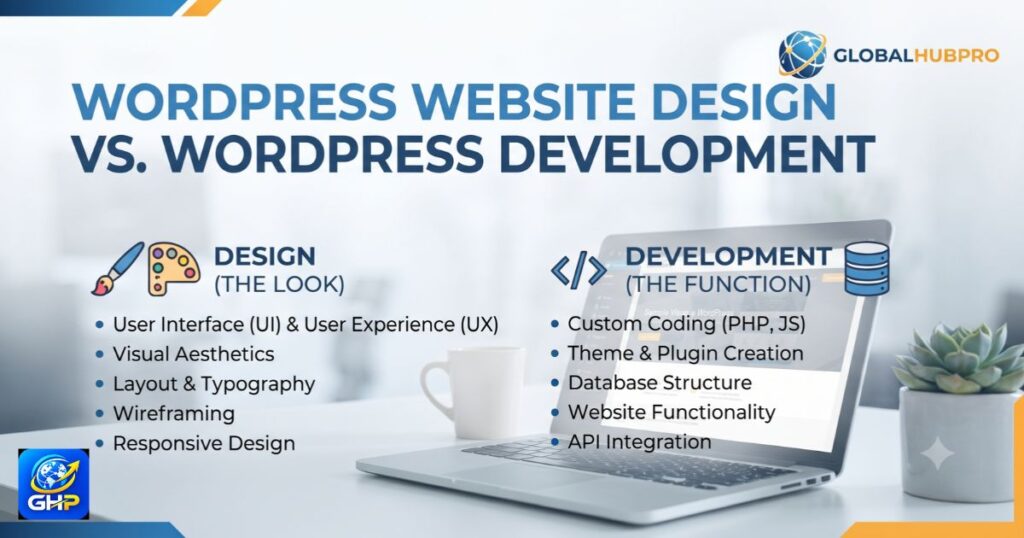
WordPress Website Design vs WordPress Development
These two terms are related but not exactly the same.
Website design focuses mainly on how a website looks and how users interact with it. This includes colors, typography, layouts, images, menus, and overall visual presentation.
Website development focuses more on how the website works. It can involve themes, plugins, functionality, forms, integrations, performance, security, and technical implementation.
A successful website needs both good design and reliable development.
How Does WordPress Web Development Work?
Building a WordPress website normally involves several stages. The exact process depends on the size and requirements of the project.
Planning the Website
Before development starts, it is important to understand what the website needs to accomplish.
This can include identifying:
- The target audience
- Business goals
- Required pages
- Services or products
- Website features
- Content requirements
- SEO goals
Good planning can prevent unnecessary changes later.
Choosing a WordPress Theme
A theme provides the basic visual structure of a WordPress website.
Some businesses use professionally designed themes and customize them to match their brand. Others require a more customized design.
The most important thing is not simply choosing a theme that looks attractive. It should also be responsive, lightweight, flexible, and suitable for the website’s requirements.
Adding Plugins and Features
Plugins extend the functionality of WordPress.
Depending on the website, plugins may be used for:
- Contact forms
- SEO
- Security
- Backups
- Analytics
- Performance optimization
- E-commerce
- Social integrations
However, installing too many unnecessary plugins can make a website harder to maintain and may affect performance. Plugins should therefore be selected carefully.
Testing and Launching
Before a website goes live, it should be tested on different devices and browsers.
Important checks include:
- Mobile responsiveness
- Page speed
- Navigation
- Contact forms
- Internal links
- Images
- Buttons
- Security
- Basic SEO settings
A proper testing process helps identify problems before visitors encounter them.
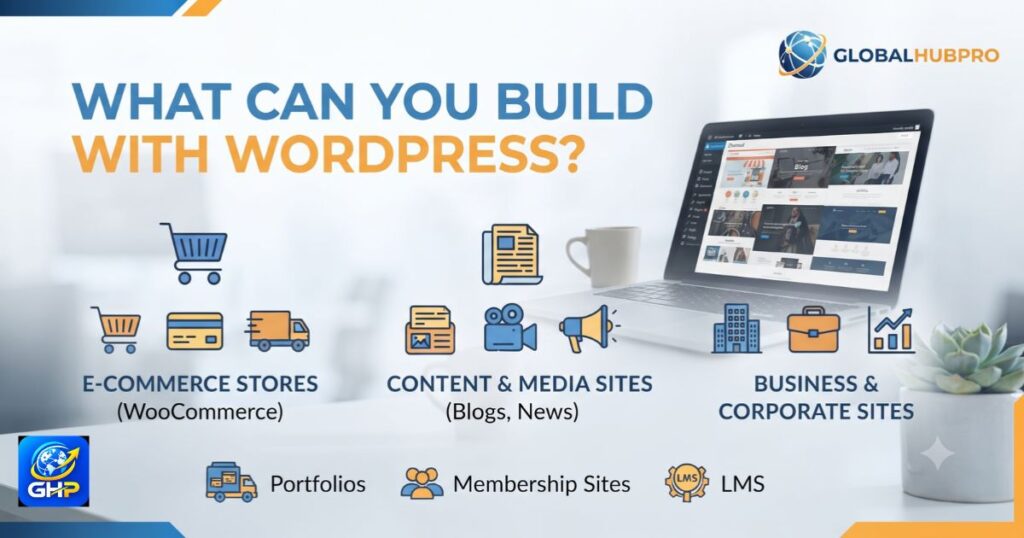
What Can You Build With WordPress?
One of the biggest advantages of WordPress is its flexibility. It can be used for many different types of websites.
Business Websites
Companies can use WordPress to create professional websites that explain their services, establish credibility, generate leads, and provide contact information.
E-commerce Websites
With suitable e-commerce functionality, WordPress can also be used to create online stores where businesses can display and sell products.
Blogs and Content Websites
WordPress started with a strong focus on publishing and remains a popular choice for blogs, magazines, news-style websites, and content platforms.
Portfolio Websites
Freelancers, designers, photographers, developers, and agencies can use WordPress to showcase their work and experience.
Educational Websites
Schools, training organizations, educational businesses, and other institutions can use WordPress to publish information, courses, resources, and announcements.
Service-Based Websites
Professional service providers can use WordPress to create dedicated service pages, lead-generation forms, testimonials, portfolios, and educational content.
For businesses that need a professional WordPress website, our WordPress web development services can be tailored around their specific goals and requirements.
Key Features of a Professional WordPress Website
A professional website should do more than simply look good. It should provide a smooth experience for visitors and support the goals of the business.
Mobile-Friendly and Responsive Design
Many people access websites from smartphones and tablets. A responsive website adjusts its layout according to the visitor’s screen size.
A professional WordPress website should therefore work properly across desktops, tablets, and mobile devices.
Fast Loading Speed
Visitors do not want to wait for a slow website to load.
Large images, unnecessary plugins, poor hosting, and inefficient website elements can all affect performance. Optimizing these areas can create a faster and smoother experience.
SEO-Friendly Structure
A WordPress website should be built with search engines and users in mind.
This includes clean URLs, logical navigation, appropriate headings, optimized content, internal linking, mobile usability, and good performance.
Secure Website Setup
Security should be considered from the beginning.
Keeping WordPress, themes, and plugins updated, using strong login credentials, maintaining backups, and following basic security practices can reduce common website risks.
Easy Content Management
One of WordPress’s major advantages is that website owners can update content without needing to edit every page manually.
This makes it practical for businesses that regularly publish articles, update services, or add new information.
Scalable Website Architecture
A website should be able to grow with the business.
A small business may begin with a few pages and later add a blog, additional services, an online store, or other functionality. Proper planning makes future growth easier.
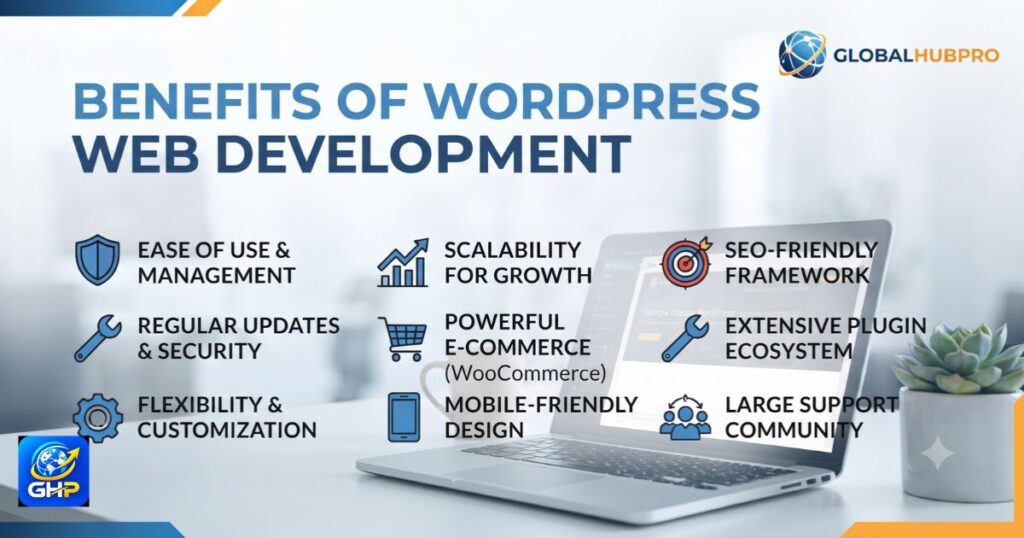
Benefits of WordPress Web Development
Easy to Manage
WordPress provides a user-friendly content management system that allows website owners to update pages and publish content.
Flexible and Customizable
Themes, plugins, customizations, and development options allow WordPress websites to be adapted to many different requirements.
SEO-Friendly
WordPress can provide a strong foundation for SEO when the website is properly structured, optimized, and supported with useful content.
Cost-Effective
For many businesses, WordPress can be more affordable than building a completely custom platform from the ground up.
The final cost still depends on design, functionality, content, integrations, hosting, and ongoing maintenance.
Large Plugin Ecosystem
WordPress has a large ecosystem of plugins that can add useful functionality without requiring every feature to be developed from scratch.
Suitable for Growing Businesses
From a simple company website to a larger content-driven platform, WordPress can support many stages of business growth.
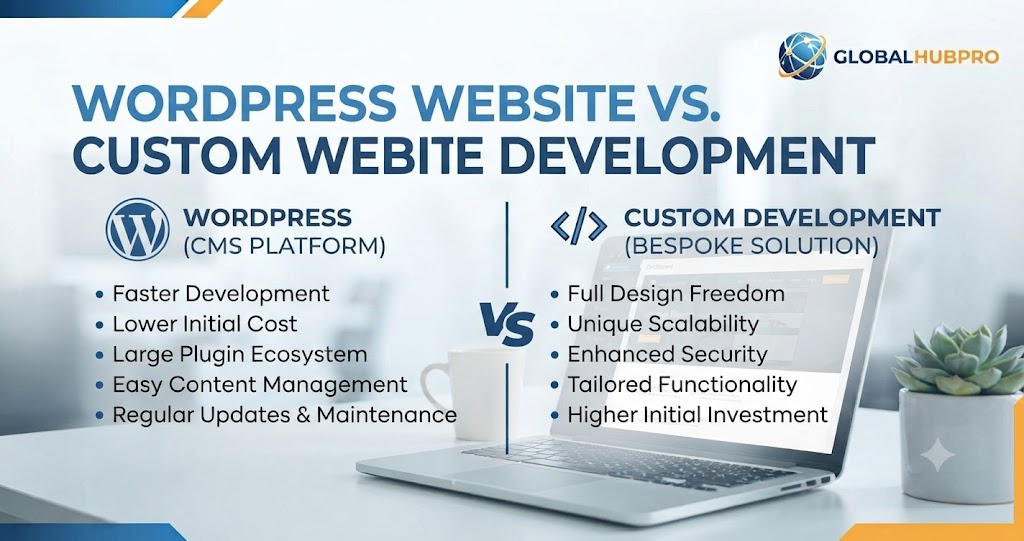
WordPress Website vs Custom Website Development
WordPress and custom development can both be good choices. The right option depends on the project’s goals.
| Feature | WordPress | Custom Development |
|---|---|---|
| Setup | Usually faster | Often takes longer |
| Customization | High | Very high |
| Initial cost | Often lower | Often higher |
| Content management | Easy | Depends on the system |
| Plugins | Large ecosystem | Custom solutions |
| Scalability | Good for many projects | Depends on development |
| Maintenance | Relatively straightforward | May require specialized developers |
A small or medium-sized business that needs a professional website, blog, service pages, and standard functionality may find WordPress a practical choice.
Projects with highly specialized requirements may benefit from custom development.
How Much Does WordPress Web Development Cost?
There is no single price for every WordPress website.
The cost can depend on several factors.
Website Size
A five-page business website will generally require less work than a large website with dozens of pages.
Design Requirements
A website using a standard theme with moderate customization may cost less than a highly customized design.
Custom Features
Advanced forms, integrations, membership systems, booking systems, or other custom functionality can increase development requirements.
E-commerce Functionality
An online store may require product setup, payment integration, shipping configuration, customer accounts, and additional testing.
Hosting and Domain
Domain registration and hosting are separate costs that should also be considered when planning a website budget.
Maintenance and Support
A professional website may require ongoing updates, backups, security monitoring, content changes, and performance improvements.
The best approach is to define the website requirements first and then estimate the project according to its actual scope.
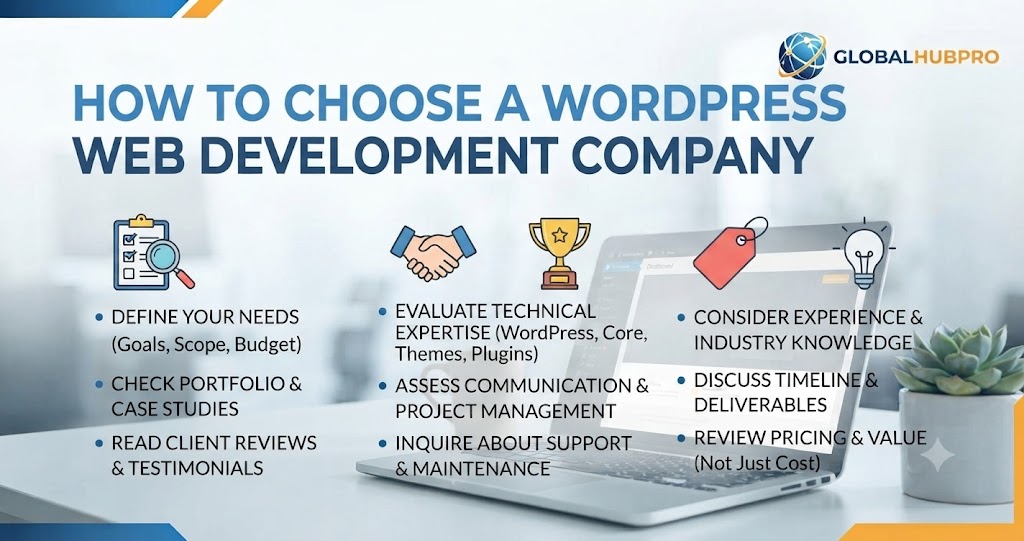
How to Choose a WordPress Web Development Company
Choosing the right development partner can have a long-term impact on your website.
Check Their Portfolio
Look at previous websites and see whether their work matches the quality and style you expect.
Review Their Services
A good development partner should understand more than visual design. Consider whether they can also handle performance, mobile optimization, security, SEO, and maintenance.
Look at Website Performance
A website can look impressive but still perform poorly. Check whether previous projects appear fast, responsive, and easy to navigate.
Ask About SEO and Mobile Optimization
Your website should be prepared for both users and search engines from the beginning.
Understand Maintenance and Support
Ask who will handle updates, technical issues, backups, security, and future improvements after the website launches.
Check Communication and Pricing
Clear communication and a transparent project scope can help prevent misunderstandings later.
If you are looking for a professional website built around your business goals, GlobalHubPro provides web development and digital solutions designed for businesses and growing brands.
Is WordPress Good for SEO?
Yes, WordPress can provide a strong foundation for SEO, but simply using WordPress does not automatically make a website rank well.
Search performance depends on many factors, including content quality, technical SEO, website structure, page experience, competition, links, and search intent.
SEO-Friendly Website Structure
Pages should have a logical hierarchy and clear navigation so both visitors and search engines can understand the website.
Page Speed and Core Web Vitals
Performance matters for user experience. Reducing unnecessary elements, optimizing images, improving hosting, and using efficient website resources can help.
Mobile Optimization
A website should provide a good experience on smartphones and other mobile devices.
SEO Plugins
SEO plugins can help manage important elements such as titles, meta descriptions, XML sitemaps, and other SEO settings.
Clean URLs and Metadata
Descriptive URLs, useful page titles, and relevant meta descriptions can help search engines and users understand what a page is about.
If you need professional help with technical and on-page optimization, you can explore our SEO services.
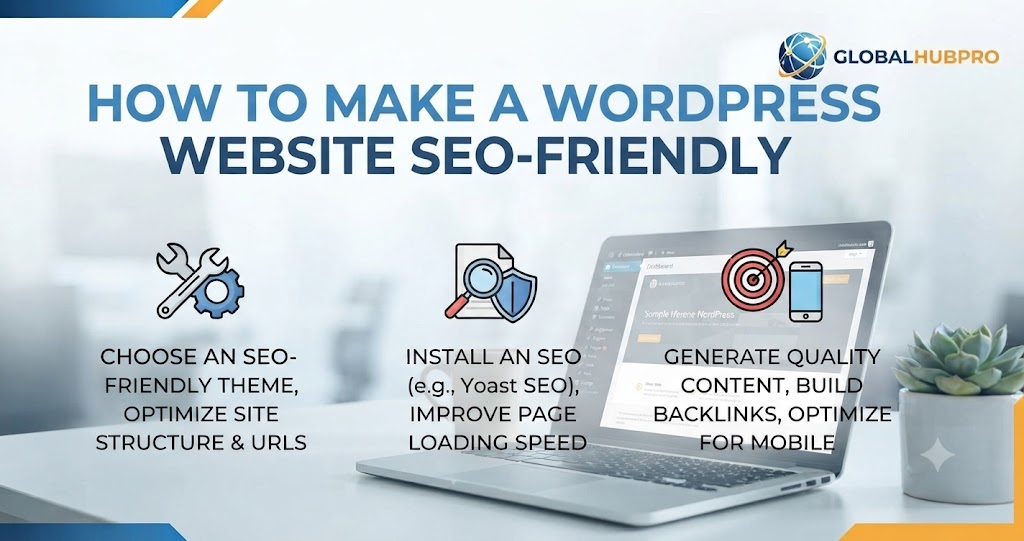
How to Make a WordPress Website SEO-Friendly
Creating an SEO-friendly WordPress website starts with the foundation but continues as the website grows.
Optimize Page Titles and Meta Descriptions
Every important page should have a clear, relevant title and a useful meta description that accurately describes its content.
Use SEO-Friendly URLs
Short, descriptive URLs are generally easier for users to understand.
For example:
example.com/wordpress-web-development/
is clearer than a URL containing random numbers or unnecessary parameters.
Optimize Images
Large image files can slow down a website. Compressing images and using descriptive alternative text can improve usability and performance.
Improve Website Speed
Remove unnecessary plugins, optimize images, use reliable hosting, and monitor website performance regularly.
Create Useful Content
Publishing useful content around topics your potential customers search for can help build topical relevance and attract organic traffic.
Build Internal Links
Internal links connect related pages and help visitors discover additional information.
For example, an article about WordPress development can naturally link to related web development and SEO service pages.
Make the Website Mobile-Friendly
Your content, menus, buttons, forms, and images should work properly on smaller screens.
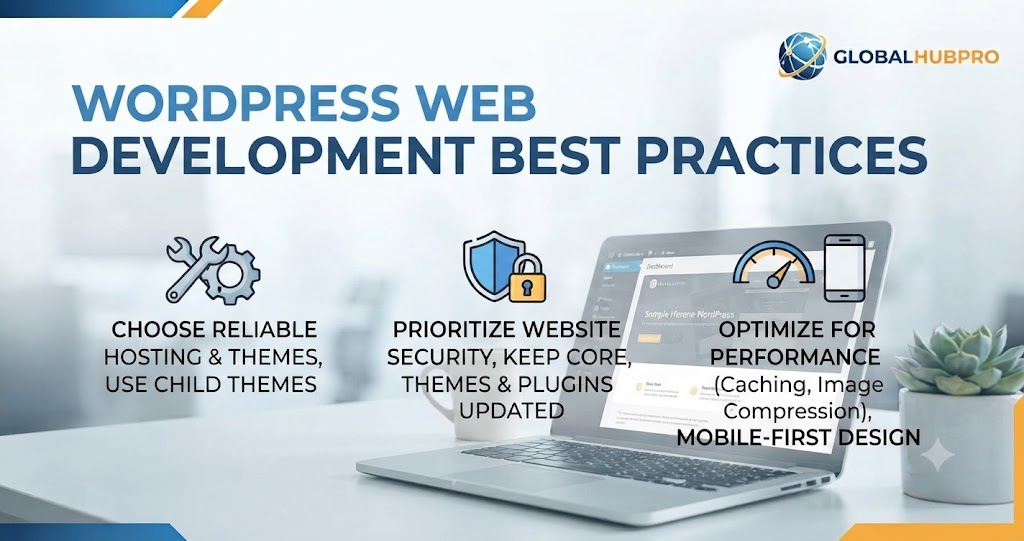
WordPress Web Development Best Practices
Following a few basic practices can make a WordPress website easier to manage and maintain.
Keep WordPress and Plugins Updated
Regular updates can improve functionality, compatibility, and security.
Use Reliable Hosting
Good hosting can contribute to website speed, reliability, and overall performance.
Optimize Images
Use appropriately sized and compressed images rather than uploading unnecessarily large files.
Use a Lightweight Theme
A lightweight and well-built theme can help avoid unnecessary website bloat.
Create Regular Backups
Backups provide an important safety net if something goes wrong with the website.
Follow Basic Security Practices
Use strong passwords, keep software updated, limit unnecessary access, and use appropriate security measures.
Monitor Website Performance
Website performance should be checked regularly rather than only when visitors start reporting problems.
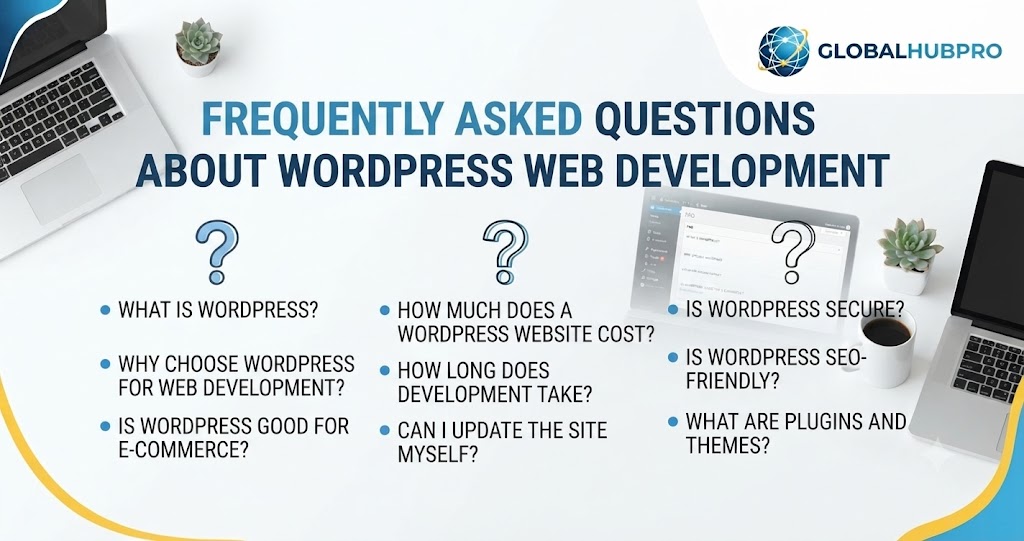
Frequently Asked Questions About WordPress Web Development
What is WordPress web development?
WordPress web development is the process of building, customizing, optimizing, and maintaining websites using WordPress.
Is WordPress good for business websites?
Yes. WordPress can be a practical choice for many businesses because it is flexible, customizable, and relatively easy to manage.
Is WordPress easy to maintain?
WordPress is generally manageable for website owners, but regular updates, backups, security checks, and performance monitoring are still important.
How much does a WordPress website cost?
The cost varies according to the website’s size, design, functionality, content, integrations, hosting, and maintenance requirements.
Is WordPress good for SEO?
WordPress can provide a strong SEO foundation, but ranking depends on the overall quality and optimization of the website, not the CMS alone.
Can WordPress websites be customized?
Yes. WordPress websites can be customized through themes, plugins, design changes, custom development, and other technical solutions.
How long does it take to build a WordPress website?
The timeline depends on the number of pages, design requirements, functionality, content, revisions, and other project requirements. A simple business website can usually be completed much faster than a large or highly customized website.
Conclusion
WordPress web development is much more than installing WordPress and selecting a theme. A successful website requires thoughtful planning, professional design, reliable development, useful content, strong performance, security, mobile optimization, and an SEO-friendly structure.
For small businesses, service providers, organizations, and growing brands, WordPress can provide a flexible platform that can evolve as the business grows.
The key is to build the website around your actual goals and audience rather than adding unnecessary features. A well-planned WordPress website can give your business a professional online presence while providing a strong foundation for content marketing, SEO, lead generation, and future growth.
If you are planning a new website, redesigning an existing site, or need help improving your WordPress website, explore GlobalHubPro‘s web development services to find a solution suited to your business requirements.